Facebook Fonts Generator
Font Styles
0 stylesDecorative Borders
12 stylesFacebook Fonts – Stylish Text, Symbols & Fancy Fonts
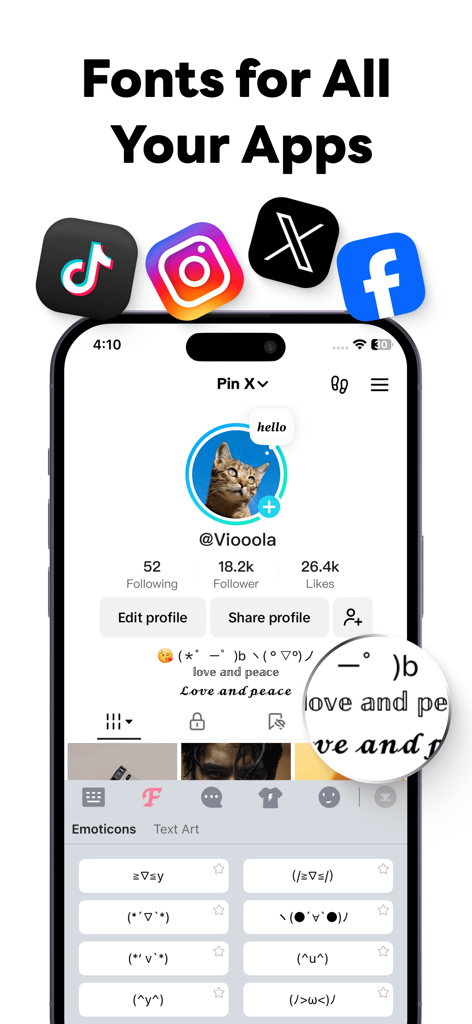
Want to make your posts, profile, comments, and messages look more interesting? Facebook aesthetic fonts are an easy way to give ordinary text a creative and stylish appearance. Instead of posting plain letters, you can transform your words into different decorative text styles and copy them directly to Facebook.
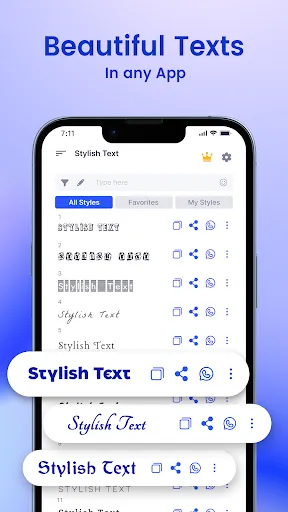
With our Facebook font generator, you can enter normal text and instantly explore a variety of stylish Unicode-based designs. There is no need to install a special font or download an additional application. Simply create your preferred style, copy the result, and paste it wherever you want.
Facebook Aesthetic Fonts Generator
Our aesthetic font generator makes it simple to create eye-catching text for Facebook. Type your name, quote, caption, status, or any other message into the generator and browse through different styles.
Once you find a design you like, use the copy button and paste the generated text into your Facebook profile, post, comment, or message. The process takes only a few seconds.
What Are Facebook Aesthetic Fonts?
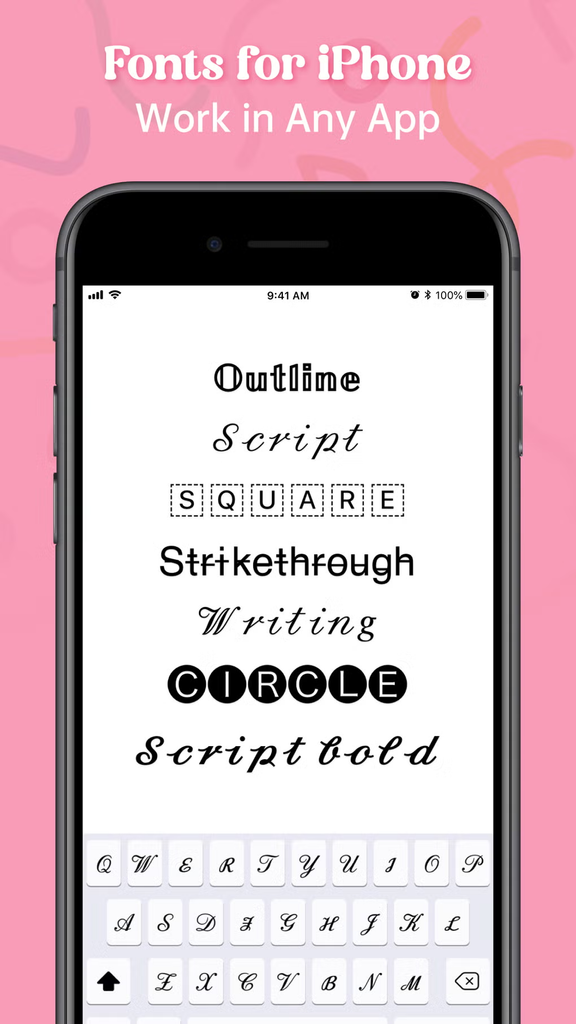
Facebook aesthetic fonts are alternative text designs created using special Unicode characters. They can change the visual appearance of ordinary letters while keeping the text selectable and copyable.
For example, the same phrase can appear in several different styles:
𝓕𝓪𝓬𝓮𝓫𝓸𝓸𝓴 𝓕𝓸𝓷𝓽𝓼
𝕱𝖆𝖈𝖊𝖇𝖔𝖔𝖐 𝕱𝖔𝖓𝖙𝖘
𝐅𝐚𝐜𝐞𝐛𝐨𝐨𝐤 𝐅𝐨𝐧𝐭𝐬
𝑭𝒂𝒄𝒆𝒃𝒐𝒐𝒌 𝑭𝒐𝒏𝒕𝒔
Facebook Fonts
Ⓕⓐⓒⓔⓑⓞⓞⓚ Ⓕⓞⓝⓣⓢ
These are not traditional font files. They are styled Unicode characters, which is why they can be copied and pasted into many online platforms.
Why Use Stylish Fonts on Facebook?
Regular text is useful, but decorative text can give certain parts of your content a different visual feel. Facebook users can use stylish text for many creative purposes, including:
- Making profile names more distinctive
- Creating attractive Facebook posts
- Highlighting important words or phrases
- Designing creative status updates
- Adding personality to captions
- Creating decorative comments and messages
- Making quotes easier to notice
Facebook Fonts Copy and Paste
One of the biggest advantages of using a Facebook aesthetic font generator is the quick copy-and-paste process. You don’t have to manually create special characters or search for individual symbols.
- Open the font generator.
- Enter your text in the input box.
- Browse the available Facebook font styles.
- Choose your favorite design.
- Click the copy button.
- Paste the text into Facebook.
This makes it convenient to create stylish text whenever you need it.
Popular Facebook Font Styles
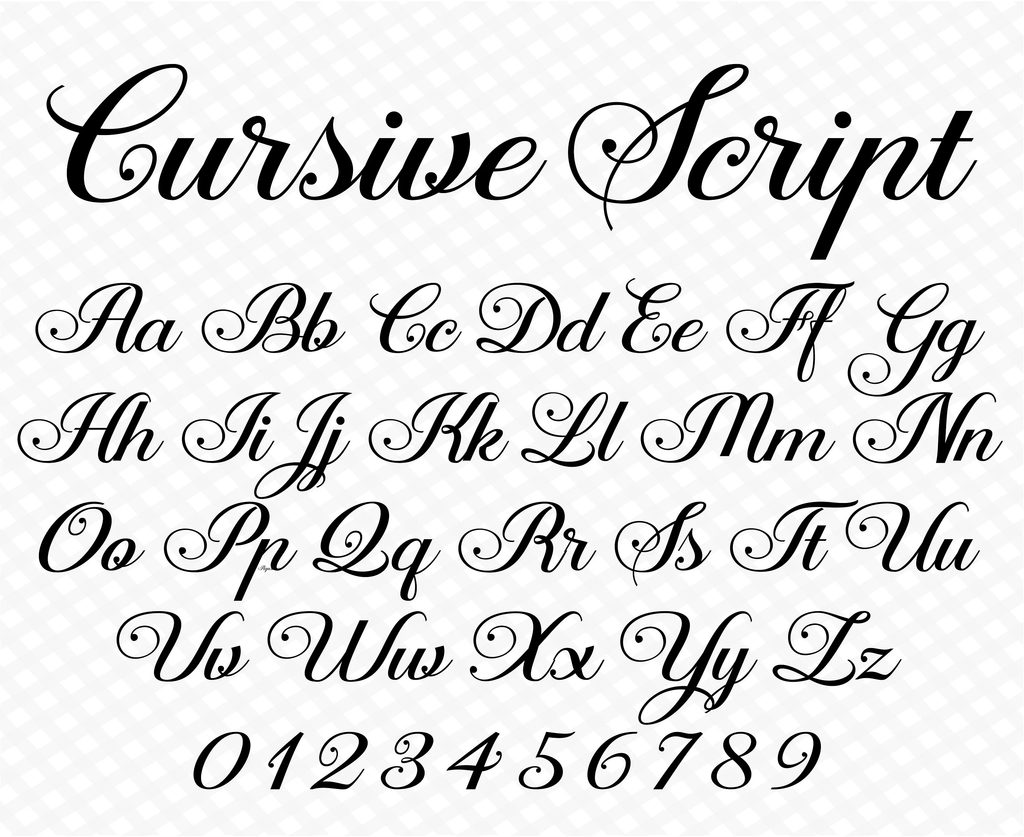
Cursive Facebook Fonts
Cursive styles give text a smooth and elegant appearance. They can work well for quotes, names, captions, greetings, and other creative posts.
Example: 𝓢𝓽𝔂𝓵𝓲𝓼𝓱 𝓕𝓪𝓬𝓮𝓫𝓸𝓸𝓴 𝓣𝓮𝔁𝓽
Bold Facebook Fonts
Bold text styles are useful when you want a particular word or phrase to stand out from the rest of your post.
Example: 𝗦𝘁𝘆𝗹𝗶𝘀𝗵 𝗙𝗮𝗰𝗲𝗯𝗼𝗼𝗸 𝗧𝗲𝘅𝘁
Gothic Facebook Fonts
Gothic lettering has a dramatic and distinctive appearance. It can be useful for usernames, gaming-related posts, creative profiles, and decorative captions.
Example: 𝕲𝖔𝖙𝖍𝖎𝖈 𝕱𝖆𝖈𝖊𝖇𝖔𝖔𝖐 𝕿𝖊𝖝𝖙
Circle and Boxed Fonts
Circled, squared, and boxed characters can give your text a playful visual effect. These styles are particularly useful for short words, headings, names, and individual letters.
Examples: Ⓐ Ⓑ Ⓒ 🅰 🅱 🅲
Stylish Facebook Names
Many people enjoy experimenting with creative text when designing a social media identity. A name can be displayed in different Unicode styles to create a more personalized appearance.
Here are a few examples:
𝓙𝓾𝓵𝓲𝓪
𝕸𝖆𝖗𝖐
𝐃𝐚𝐧𝐢𝐞𝐥
ⓐⓛⓔⓧ
𝗠𝗶𝗰𝗵𝗮𝗲𝗹
You can enter your own name into the stylish text generator to discover additional designs.
Facebook Aesthetic Text for Posts and Captions
Aesthetic text is not limited to profile names. You can also experiment with different styles for short captions, motivational quotes, announcements, greetings, and other social media content.
For example, instead of writing a heading using ordinary letters, you could create something like:
✨ 𝓜𝔂 𝓝𝓮𝔀 𝓙𝓸𝓾𝓻𝓷𝓮𝔂 ✨
Or use a bold style:
✨ 𝗠𝘆 𝗡𝗲𝘄 𝗝𝗼𝘂𝗿𝗻𝗲𝘆 ✨
Combining stylish text with appropriate symbols and emojis can help create a different visual presentation for your content.
Do Facebook Fonts Require an App?
No. A web-based font generator can create Unicode-style text directly in your browser. You can use the generated result without installing a separate font package on your device.
However, the appearance of some Unicode characters can vary between devices, operating systems, and applications. If a particular style does not display correctly, simply try another available style.
Are Facebook Aesthetic Fonts Free to Use?
You can create stylish text online and copy the results without needing to purchase a traditional font file. The easiest approach is to use an online generator, select a style, and copy the generated characters.
Tips for Using Facebook Stylish Fonts
- Use decorative fonts for short and important text.
- Choose styles that remain easy to read.
- Try several designs before selecting one.
- Use symbols and emojis when they improve the overall look.
- Avoid using overly complicated styles for long paragraphs.
- Always preview your copied text before publishing.
Create Your Own Facebook Aesthetic Fonts
Ready to transform ordinary text into something more creative? Visit our Aesthetic Font Generator and enter any word, name, caption, or phrase you want to style.
Explore different designs, copy your favorite result, and use it on Facebook or other supported platforms. Whether you want elegant cursive letters, bold text, gothic designs, circled characters, or other decorative styles, you can experiment with multiple options from one convenient tool.
Frequently Asked Questions
A Facebook font generator converts ordinary text into different Unicode-based styles that can be copied and pasted into Facebook and other compatible platforms.
Yes. Most Unicode-based styles can be copied like ordinary text. Generate your design, click copy, and paste it into your desired Facebook field.
Yes. You can try Unicode-style text in posts, captions, comments, and other areas where Facebook accepts text.
No. Most online stylish-text generators create Unicode characters rather than installing a new font on your device.
You can use our Aesthetic Font Generator to transform ordinary words into a variety of stylish text designs and copy the result instantly.
Final Thoughts
Facebook aesthetic fonts provide a simple way to give ordinary text a more creative appearance. From cursive and bold lettering to gothic, circled, and decorative styles, there are many designs to explore.
If you want to create your own stylish Facebook text, try the Facebook font generator, choose a design you like, and copy it directly into your social media content.