Instagram Fonts Generator
Font Styles
0 stylesDecorative Borders
12 stylesInstagram Font Generator – Stylish Text Copy & Paste
Instagram is one of the most popular platforms for sharing ideas, creativity, and personal style. Whether you are creating a new bio, writing a caption, or updating your username, the right text style can make your profile more noticeable.
With an Instagram Font Generator, you can turn ordinary text into stylish, fancy, and aesthetic Unicode text within seconds. You can then copy your favorite style and paste it directly into Instagram without installing any special font app.
What Is an Instagram Font Generator?
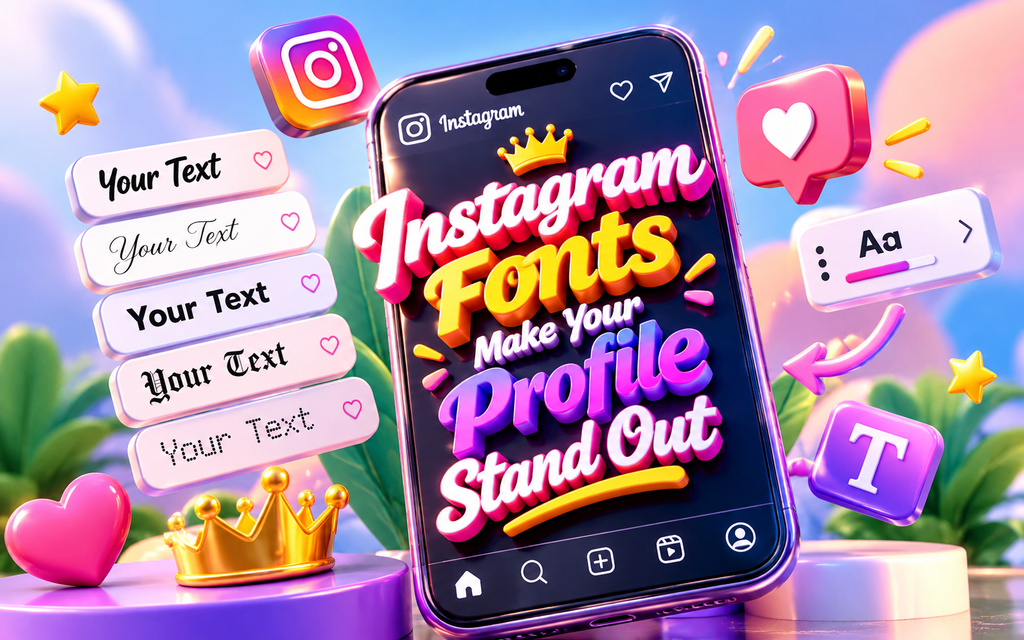
An Instagram Font Generator is an online tool that converts regular letters into different stylish text designs. Instead of using standard text, you can create variations such as bold, italic, script, cursive, decorative, gothic, cute, and other aesthetic styles.
Our Instagram Font Generator makes it easy to experiment with different text styles and choose the one that best matches your profile or content.
The generated text uses Unicode characters rather than traditional font files. This means the styled text can be copied and pasted into many places where normal text is supported.
How Does an Instagram Font Generator Work?
Instagram font generators work by replacing standard characters with visually different Unicode characters. When you enter your text, the generator processes the letters and displays multiple variations instantly.
For example, a simple word can be transformed into different styles such as:
Normal: Stylish Instagram
Bold: 𝐒𝐭𝐲𝐥𝐢𝐬𝐡 𝐈𝐧𝐬𝐭𝐚𝐠𝐫𝐚𝐦
Italic: 𝑆𝑡𝑦𝑙𝑖𝑠ℎ 𝐼𝑛𝑠𝑡𝑎𝑔𝑟𝑎𝑚
Script: 𝓢𝓽𝔂𝓵𝓲𝓼𝓱 𝓘𝓷𝓼𝓽𝓪𝓰𝓻𝓪𝓶
Monospace: 𝚂𝚝𝚢𝚕𝚒𝚜𝚑 𝙸𝚗𝚜𝚝𝚊𝚐𝚛𝚊𝚖
You can preview the available styles, select the one you like, and copy it for use on Instagram.
How to Use Instagram Fonts
Using stylish Instagram fonts is very simple. You don’t need to download a font file or install additional software.
Step 1: Enter Your Text
Open the Asthetic Font Generator and type or paste the text you want to customize.
Step 2: Explore Different Styles
The generator will display different font variations for your text. Browse through the available designs and find a style that fits your content.
Step 3: Copy Your Favorite Font
Once you find the perfect style, use the Copy button to copy the generated Unicode text.
Step 4: Paste It on Instagram
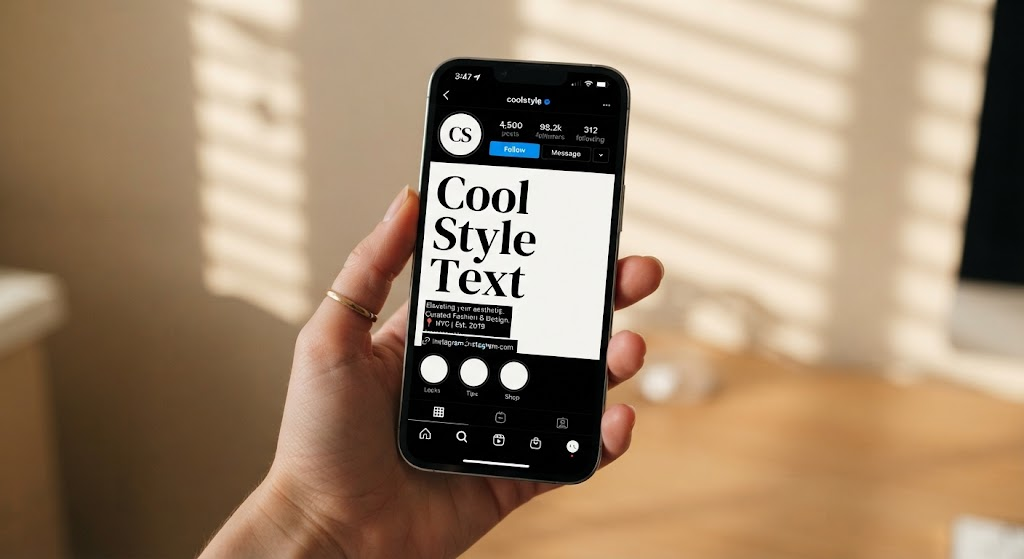
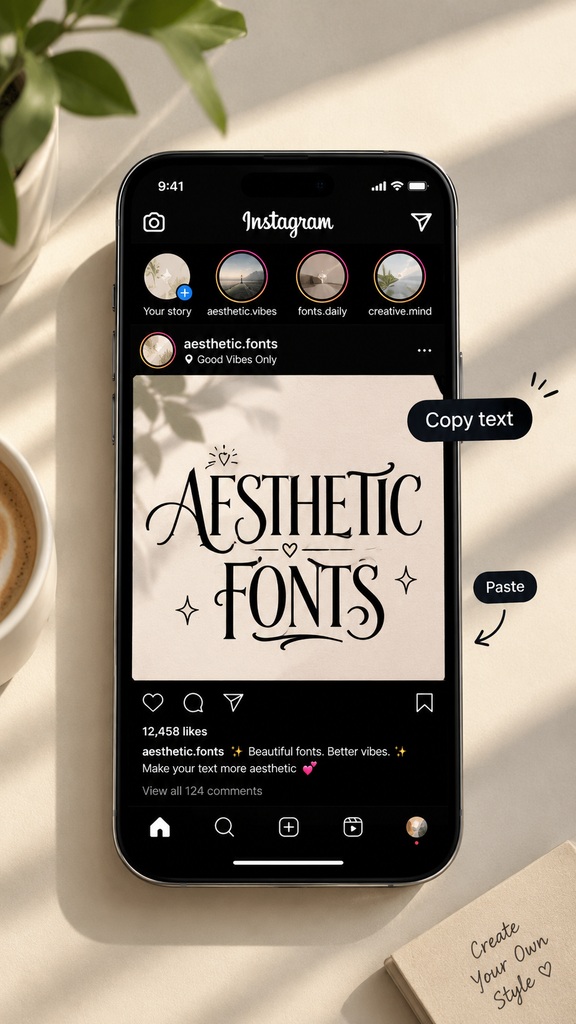
Open Instagram and paste your customized text into your bio, caption, comment, username, Story, or another supported text field.
Where Can You Use Instagram Fonts?
Stylish text can be useful in several parts of your Instagram profile and content.
Instagram Bio
Your bio is one of the first things people see when they visit your profile. Stylish text can help organize important information and give your bio a distinctive appearance.
Instagram Captions
Use different text styles to emphasize selected words or create a unique visual presentation in your captions.
Instagram Comments
Fancy text can also be used in comments when you want your message to look different from ordinary comments.
Instagram Stories
Add stylish text to your Stories to give short messages, announcements, or creative posts a different look.
Instagram Usernames
Some Unicode characters may work in usernames or display names, depending on Instagram’s current rules and supported characters.
Instagram Highlights
Stylish characters and symbols can also be combined with highlight names to create a cleaner and more customized profile.
Popular Instagram Font Styles
There are many different styles you can try with an Instagram font generator. The best choice depends on the type of profile or content you are creating.
1. Bold Fonts
Bold styles are useful when you want your text to look strong and noticeable.
2. Cursive Fonts
Cursive and script styles create an elegant and decorative appearance.
3. Aesthetic Fonts
Aesthetic text styles are popular for Instagram bios, captions, usernames, and personal profiles.
4. Gothic Fonts
Gothic-style characters provide a darker and more dramatic appearance.
5. Cute Fonts
Cute and playful styles can work well for friendly, creative, and fun Instagram profiles.
6. Italic Fonts
Italic characters can give ordinary text a more modern and expressive appearance.
7. Monospace Fonts
Monospace Unicode characters create a simple typewriter-like appearance and can be useful for minimalist profiles.
Instagram Fonts vs Traditional Fonts
An important difference is that most online Instagram font generators don’t actually install a new font on your device.
Instead, they use Unicode characters that resemble different typography styles. The result is text that can usually be copied and pasted into supported apps and websites.
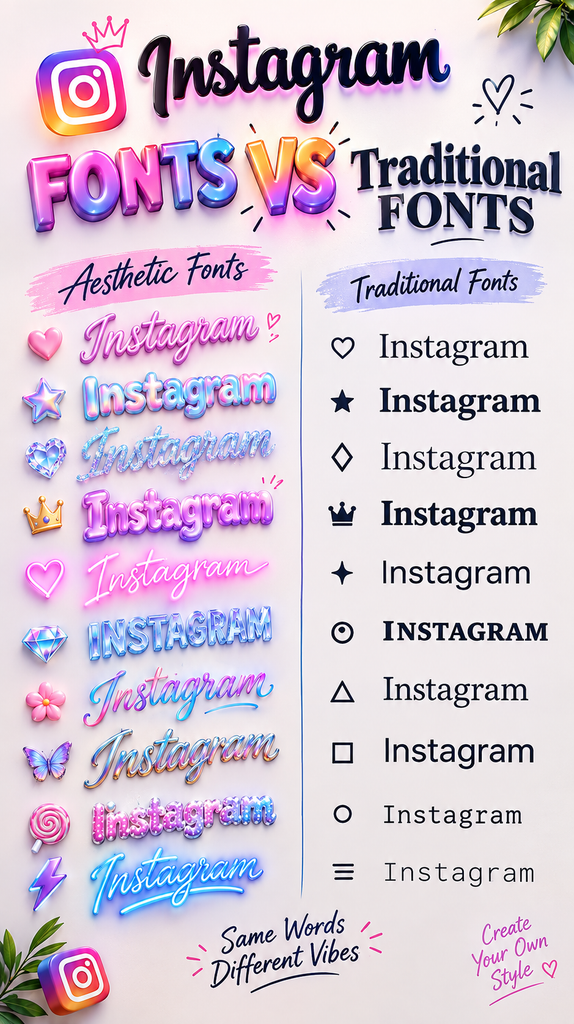
This makes an Instagram font generator convenient because you can create styled text directly from your browser without downloading font files.
Why Use Stylish Instagram Text?
There are several reasons people use customized text on Instagram.
- Make your bio more distinctive
- Add personality to captions
- Highlight important words
- Create a creative profile style
- Experiment with different text designs
- Copy and paste text without installing fonts
- Customize social media usernames and descriptions
However, it’s best to use decorative fonts carefully. Extremely complicated characters can sometimes be harder to read or may not display correctly on every device.
Tips for Creating Better Instagram Bios
A stylish font can improve the visual appearance of your bio, but readability should still come first.
Try combining a simple stylish font with normal text rather than converting every word into a highly decorative style. You can also use a few relevant symbols or emojis to separate sections and make important information easier to find.
For example, you might use a decorative style for a short heading and regular text for the details underneath.
Why Unicode Fonts Are Useful
Unicode provides a large collection of characters that can be represented digitally across different platforms. Instagram font generators use selected Unicode characters to create the appearance of different text styles.
Because these are characters rather than installed font files, you can copy the generated result and paste it into supported social media fields.
Keep in mind that platform support can vary, so a particular Unicode style may appear differently on different devices or applications.
Create Instagram Fonts Online
You don’t need complicated design software to create stylish Instagram text. An online generator lets you enter your words, preview multiple designs, and copy the result in just a few clicks.
Visit Asthetic Font Generator to explore different stylish text options and create copy-and-paste fonts for Instagram and other social platforms.
FAQs
An Instagram Font Generator is an online tool that converts ordinary text into different Unicode-based stylish text designs that can be copied and pasted into Instagram.
Most Instagram font generators create Unicode text rather than installing actual font files. The characters are styled Unicode symbols that can be copied and pasted.
Yes, many Unicode styles can be pasted into Instagram bios. However, compatibility can vary depending on the characters and Instagram’s current support.
No. You can use an online Instagram font generator directly through your web browser.
Yes. After generating your preferred style, you can copy the Unicode text and paste it into supported Instagram fields.
Online Unicode font generators can provide stylish text without requiring you to purchase or install traditional font files.
Final Thoughts
Stylish text is a simple way to experiment with your Instagram profile and social media content. From elegant scripts and bold letters to cute, gothic, aesthetic, and minimalist designs, there are many styles to explore.
The key is to choose fonts that match your personality while keeping your content easy to read. With an online Instagram Font Generator, you can quickly transform ordinary text, preview different styles, and copy your favorite result wherever you need it.